
Onboarding: Setting Up Your Linklo Account
Welcome to Linklo! We're excited to help you automate and optimize your LinkedIn Ads.
This guide will walk you through the quick and easy onboarding process.
To begin, you will have already provided your name and email to create your account. Now, let's get you connected to LinkedIn and on your way to the Dashboard.
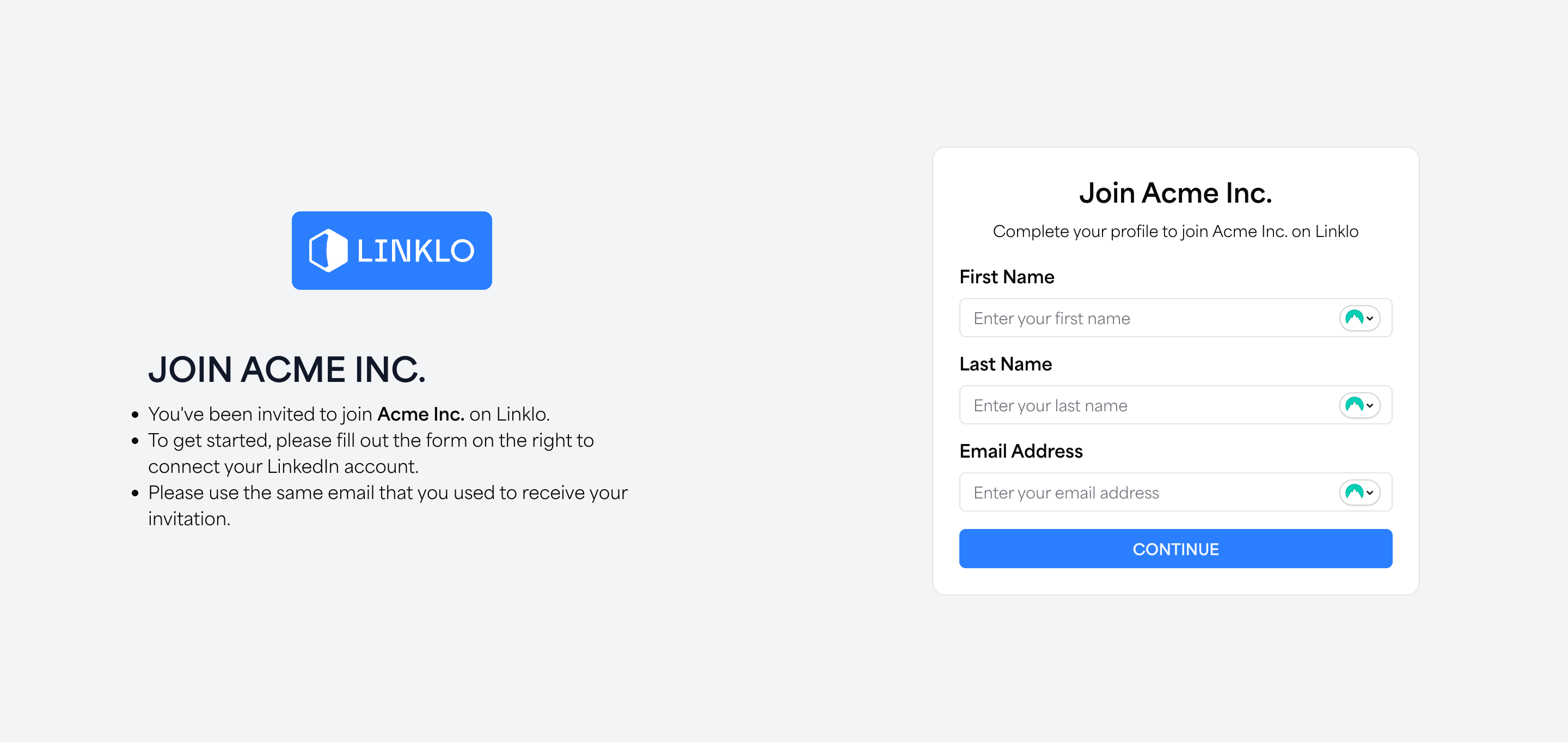
Step 1: Connect Your LinkedIn Account
The next step is to securely connect Linklo to your LinkedIn advertising account. This connection is essential for the platform to monitor performance, manage campaigns, and execute automations on your behalf.
- Click the "Connect to LinkedIn" button.
- You will be redirected to a secure LinkedIn authentication page.
This process uses LinkedIn's official OAuth protocol, which is the industry standard for security. It ensures that your credentials are never exposed to Linklo.
Step 2: Authorize Permissions
On the LinkedIn authorization page, you will be asked to grant Linklo permission to access your advertising data. These permissions are required for our platform to function correctly.
Simply review the permissions and click Allow.
Once you grant access, you will be automatically redirected back to the Linklo platform.
What's Next? Syncing Your Data
That's it! Once you've authorized the connection, our system will begin syncing your LinkedIn ad accounts, campaigns, and historical performance data. This usually takes no more than 5 minutes.
You will see a status screen letting you know the sync is in progress. You don't need to do anything - the page will automatically refresh and take you to your main Dashboard as soon as the process is complete.
From the Dashboard, you can begin exploring the powerful features of Linklo. If you have additional user seats, this is where you'll find the link to invite them into your Linklo account.